My net-worth tracker runs daily with no server. I moved it without missing a day.
A daily job that records my portfolio, built from a scheduled task and a text file — no server, no database, no API keys. Then I had to move it to a new home without it missing a day, which turned out to be the more useful half of the story.
I have a little app that tracks my investments. One file. Open it in a browser, see where things stand.
It had one flaw: it only knew what was true when I opened it. Miss a week and there's a week-shaped hole in the history — not a gap in the chart, just nothing. The app couldn't remember on its own.
I wanted it to record a point every day whether I showed up or not.
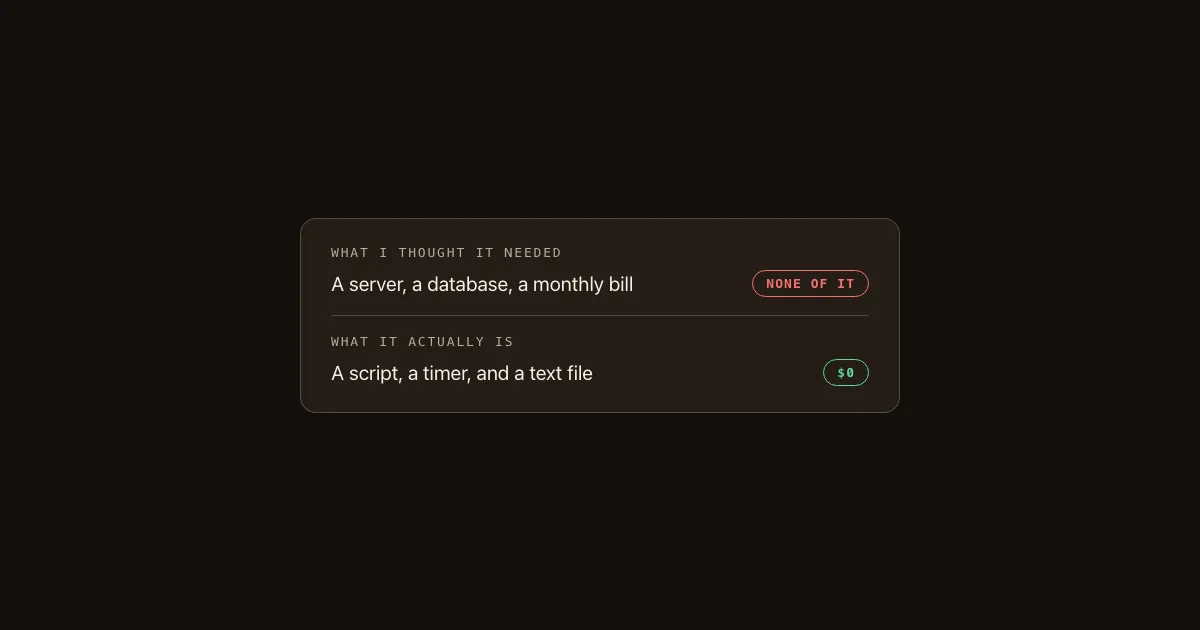
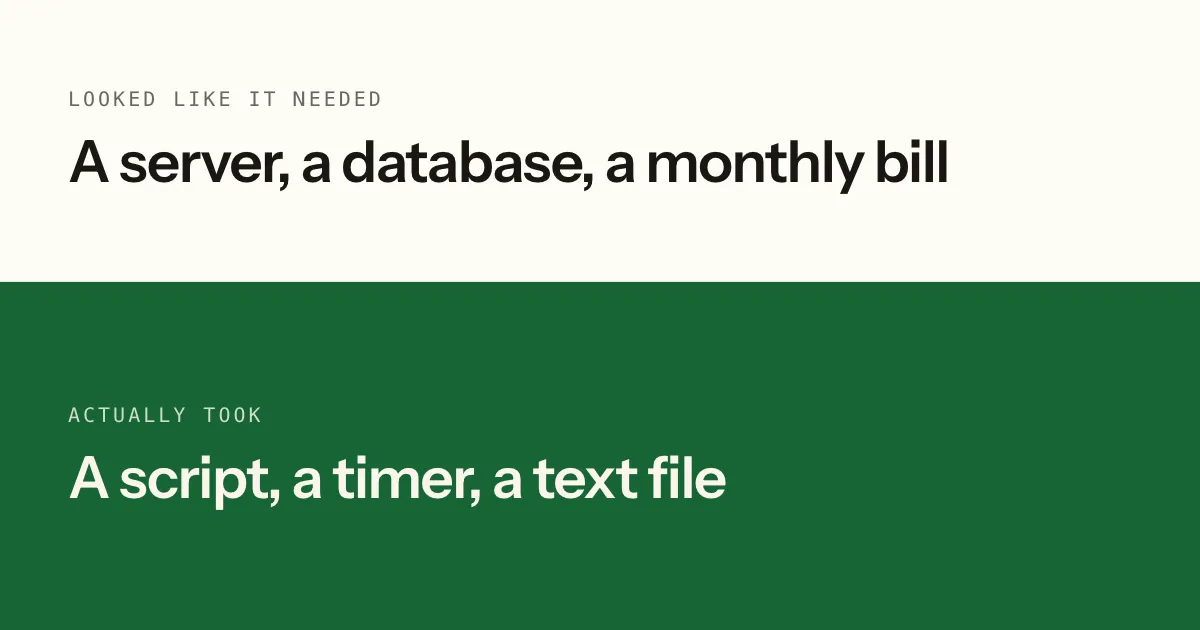
The obvious answer is a server: something always on, doing the job on a timer. That's a monthly bill, an account, and a thing that can break while I'm not looking.
I didn't build that. Here's what I built instead, and then the part I think is actually worth reading — what happened when I had to move it.
The whole pipeline is a scheduled task and a text file
Three pieces:
A script. Reads my positions from a file, looks up today's prices, writes today's total into a second file. About a page of code.
A scheduled task. GitHub — where the code already lives — can run a script on a timer. Mine runs daily at 22:15 UTC. Free, and it was already there.
A file as the database. The daily numbers go into history.json, committed like any other change. The history is the file's history.
No server. No database. No monthly bill. When the app opens it reads that file and draws the chart.
The bit I like: because every day is a commit, I can see exactly when each number was recorded and what it was. If something ever looks wrong, git log tells me the truth. I didn't design that. It fell out of using the tools I already had.
Two things I got right by accident
I checked the math before trusting it. The script's total had to match what the app showed, to the cent, before I let it write anything to history. That sounds obvious. It's easy to skip, because the number looks right and you want to move on. A pipeline that quietly writes slightly-wrong numbers every day for a month is much worse than one that never ran.
I made it fail loudly. If it can't get prices, the job errors and records nothing. My first instinct was the opposite — reuse yesterday's number so the chart stays smooth. That's exactly wrong. A gap in the chart is honest. A stale number is a lie that looks like data. I'd rather see a hole and know why.
Then it failed, in the way these things always fail
Run one worked on my laptop. Run one on the scheduled job returned nothing.
The price source I'd picked answers fine from my house and returns "not found" when GitHub's servers ask. Nothing to do with my code. Their servers, their rules.
Same day, a fix: try one source, and if it doesn't answer, try another, then a third. Each price tries the chain until something responds.
The bit I'd keep: it still needs no keys. Adding a paid data provider would have been the fast fix and would have added an account, a secret to manage, and a bill. Two free sources that fail at different times were enough.
This is the whole flavour of the thing. It works not because it's clever but because every piece is boring and replaceable.
The move — the part I'd actually read
A month later this had a problem that had nothing to do with charts.
The pipeline was living inside a repository that also holds my notes. To sync, the app used an access token — a password-like string that lets it read and write. Scoped to that whole repository.
So a token sitting in my browser could write to everything in there. It had never done anything wrong. It just could, and the only thing between "could" and "did" was that nothing had gone sideways yet.
I wanted it in its own repository, with a token that can touch only that.
Straightforward, except the pipeline was live and recording every day. Break it and I lose days silently — the chart would just stop, and I'd notice in a week.
Here's the order I used, and I'd use it for anything live:
- Build the new one. Copy everything into the new home. Change nothing else.
- Prove the new one. Run it by hand — 32 live prices, today's point written. Then trigger the scheduled job. It ran and committed a real day.
- Only then, cut over. Point the app at the new home.
- Only then, delete the old one.
The old pipeline kept running the entire time. Two jobs recording the same day briefly, which is fine — the later one wins.
The chart never missed a day. Not because I was careful in the moment, but because the order made carefulness unnecessary. Build-new, prove-new, cut over, delete old. Never delete-then-hope.
The decision that saved me the most work
Moving it, I had an urge to tidy. The files lived in a folder called ledger/. In a repository named portfolio-ledger, that's redundant — portfolio-ledger/ledger/snapshot.mjs reads like a stutter.
I left it alone.
Because the script finds its data relative to itself, and the scheduled job refers to those paths, tidying meant editing every one of them. Instead: two changes total — one line in the app pointing at the new repository, and one setting in the host.
"Redundant and unchanged" beat "tidy and re-pathed." Every path I didn't edit is a path I couldn't typo.
I still think the folder name is silly. It's been silly for a month and has cost me nothing.
The gotcha that cost me twenty minutes
A brand-new repository's scheduled jobs don't register instantly. The file was in the right place, the feature was on, and triggering it returned "not found" anyway.
Nothing was wrong. It just wasn't ready yet. I spent twenty minutes proving the configuration was correct before waiting solved it.
I'm including this because when I was starting out, that twenty minutes would have been an hour, and I'd have concluded I didn't understand something. Sometimes the platform is just slow to catch up.
Try this today
If you have anything that only updates when you remember to open it — a spreadsheet, a tracker, a log:
- Write the script that does the update. It doesn't need to be good. It needs to produce the same answer you'd produce by hand.
- Check it against reality once, exactly. Same number, same day, no rounding. If it doesn't match, you've found a bug now instead of in a month of bad data.
- Put it on a timer where your code already lives. If you use GitHub, that's a scheduled workflow and it's free.
- Make it fail loudly. No fallbacks that invent data. Missing is fine; wrong is not.
That's a whole pipeline. No server, no database, no bill.
What I'd tell myself two years ago
I used to think "automated" meant infrastructure — something running somewhere, which meant something to pay for and something to maintain, which meant it wasn't for a side project.
It's a script and a timer. The rest was me assuming the small version wasn't allowed.
And the more useful lesson is the boring one: the tracker was the fun part, and the move is what I'd actually teach. Anyone can build a thing. Relocating something that's live, without losing a day, is where the real skill sits — and it's almost entirely about the order you do things in.
Thanks for reading.